Category: Apps

The latest selection of Android apps, both free and paid, are found right here. If you were looking for that fresh list of trending Android apps, we have you covered on a daily basis. Want to know the newest Android application releases first? Want to know which Android applications are free for a limited time?

Whether it’s Gmail, Google Calendar, Twitter, YouTube, and Instagram, or lesser known apps like Nova Launcher, Trello, Sling TV, and Philips Hue, you will know the best Android apps at all times.

Got a suggestion for a new app you think we should check out? We are all ears and regularly accept user-submitted applications, so that you won’t pay until you know if we approve.

  • Shown in Teardown, Gemini Finally Getting Smart Home Controls

    Shown in Teardown, Gemini Finally Getting Smart Home Controls

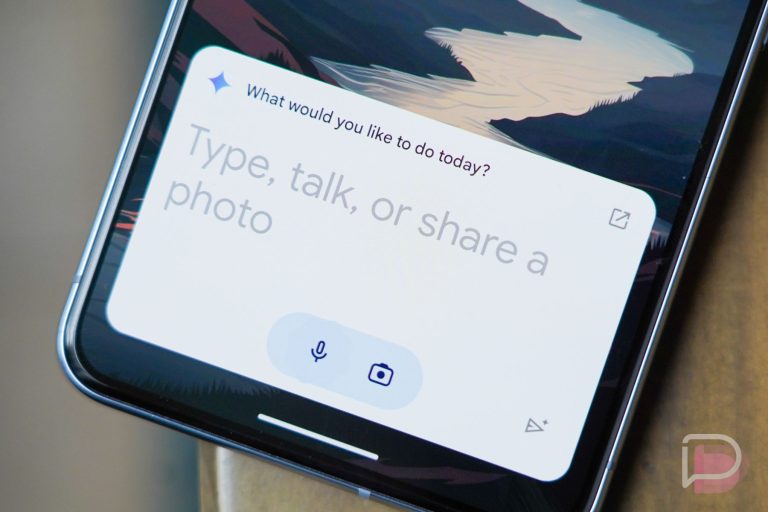
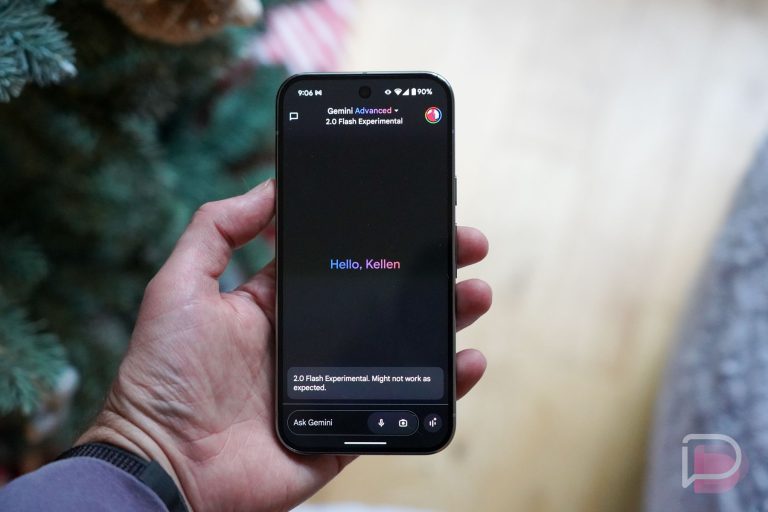
    Google is being shown to continue its push to improve Gemini by adding newly supported services. This is important because as of right now, Gemini is still unable to do quite a few things that Google Assistant can do, such as control your smart home. Once Gemini can do everything Assistant can do, folks will be more willing to use it full time. At least, that’s what we’ve been waiting for.

    According to an APK teardown, no less than six services are coming to Gemini, including Google Home. That’s the big one. Once available, Gemini should be able to control your smart home devices, such as dimming your lights and adjusting thermostats. You can view this in the screenshots below.

    Other newly supported services are detailed to be Google Keep, Tasks, Calendar, Phone, and a phone-related one called Utilities. With Utilities, it’s more of a general controller option, allowing Gemini to take photos, open applications, as well as adjust your device’s volume. It should make Gemini feel much more integrated into the Android OS, which will be welcomed.

    Back in May, Google detailed a lot of features for Gemini on Android. We’re still waiting for a lot of stuff, but knowing that this is all on the horizon is exciting. Will it all be available by the time Pixel 9 units start to arrive? We don’t yet know, but the timing would be perfect.

    We’ll keep you posted for when Google makes these changes official.

    // Android Authority

  • Google Details Everything New Coming To Google Play Starting Today

    Google Details Everything New Coming To Google Play Starting Today

    Google announced this morning that the evolution of Google Play is upon us, with the end goal being to transform it into an end-to-end experience that amounts to way more than just a place you get your apps from.

    To accomplish this goal, Google is introducing a suite of new features for Play users, with the highlights being curated spaces, the ability to list specific interests when searching for new apps and games, as well as added privacy and app recommendation controls.

    Earlier this year at Google I/O, Google announced that it was bringing AI to Google Play in the form of combing and displaying app reviews, but also getting detailed is the use of AI to help users compare apps in similar categories. AI will also be used to help provide easy to read highlights for apps, as shown below.

    For those looking to find apps based on an interest, curated spaces in Google Play will provide a single spot to find apps focused on a single subject. Google notes that it tested this feature for cricket fans in India and yielded positive results. The same has been done for comic fans in Japan. As detailed by Google, “You can access comics-related content all in one place — including free first chapter previews, live events and trailers, editor picks and fan reviews even from apps you haven’t installed.”

    Multi-select interest filters are getting added, letting you specify your preferences when searching for a new game. Whether it be a certain genre or interest, these new settings should allow you to quickly identify and download games you’ll enjoy instead of needing to browse app charts.

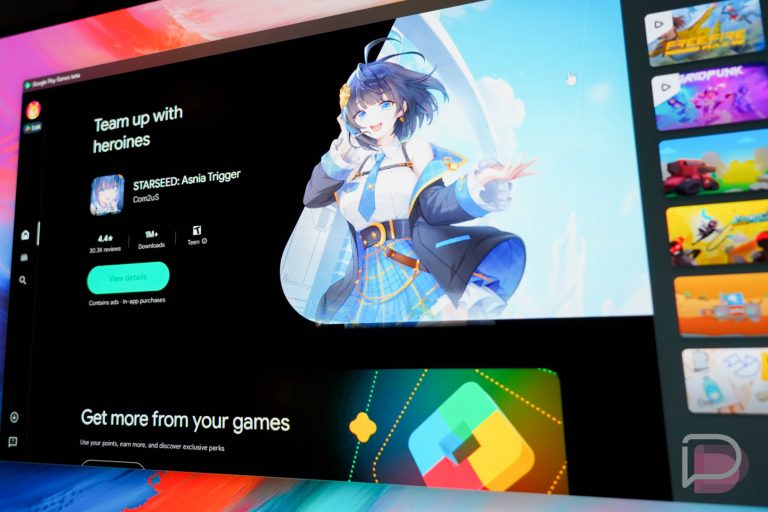
    Google Play Games for PC users will love this next one. Over the next few weeks, Google will be rolling out multi-game capabilities, allowing gamers to have two games going simultaneously. Google explains that players can be, “actively competing in one, while keeping an eye on resources in another.”

    For anyone who remembers the Nexus 7 tablet, there was a Google Play widget that showcased content from all the various categories on the platform. With this announcement, that widget is coming back in the form of Collections. Once added to your home screen, you’ll be able to dive directly into your content from apps already downloaded. For example, jump back into a TV show you were watching or book you were reading.

    Google is also adding new controls for what app data Google Play uses to cater your store experience. You can head to “Personalization in Play” from the main menu to find the new controls. You’ll see a full list of your apps and you can manually select and deselect app data you want or don’t want used inside of Google Play.

    Lots of changes coming to Google Play.

    // Google

  • Google Messages Might Soon Stop Compressing Your Images so Much

    Google Messages Might Soon Stop Compressing Your Images so Much

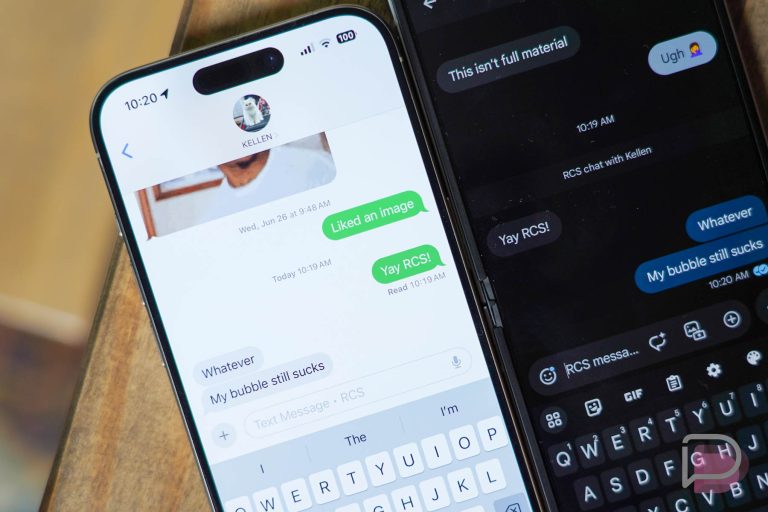
    Code changes spotted inside of Google Messages point to increased photo quality sharing abilities, and given how much guff Google was giving Apple about supporting RCS, we think it’s about time this change was taking effect.

    Right now, Apple supports iOS 18 beta users to send high quality images with RCS. The same can’t be said for Android users using Google Messages. When sending from Android, photos are compressed considerably, but with new compression and resizing options spotted via code, things should be getting better.

    Specifically, the newly found code states that image size should be supported up to 8,192 pixels tall and wide, while previous testing had Messages scaling images down to a max vertical resolution of 1,600 pixels when the “Send images faster” setting was toggled. When disabled, Messages would still scale images to a max of 2,400 pixels.

    Long story short, it’s looking like Google will want to have this new RCS magic ready for iOS 18’s public launch later this year. Once done, Android and iOS users will be sharing high quality images back and forth, making everything right in the world.

    // Android Authority

  • Google Shares Updates to Gemini, Circle to Search With Samsung’s Z Series Launch

    Google Shares Updates to Gemini, Circle to Search With Samsung’s Z Series Launch

    As a part of the Samsung launch today, Google is sharing news surrounding some of its own products and using Samsung’s new devices as a way to let you know they are coming. Things like Gemini, Circle to Search, Wear OS 5, and YouTube TV all have new goodies on the way.

    Here’s the quickest rundown in history:

    • Gemini App: Thank to an update that will drop “soon,” Google says that Gemini can be launched on devices like the Galaxy Z series while you are watching a YouTube video. You should then see a suggestion for “Ask about this video,” which will then show a Gemini overlay or the option to move it to split-screen to get that extra info about the clip.
    • Circle to Search: “Later this month,” users of Circle to Search will be able to solve more complex topics like symbolic math, plus it’ll be able to scan barcodes and QR codes that are on your screen.
    • Wear OS 5: We first learned about Wear OS 5 back at Google I/O and today, Samsung gets to push it to the masses first with the new Galaxy Watch 7 series. That’s the news here, that Samsung’s new watches get Wear OS 5 first. No word yet on when your Pixel Watch 2 might see it.
    • YouTube TV in multiview: On the Galaxy Z Fold 6, you’ll soon be able to watch 4 different streams on the same time in YouTube TV’s multiview feature. These are still pre-selected combinations, but that number should work quite well on a squareish device like the new Fold.

    And that’s it! Since these features can likely run on other devices outside of Samsung’s world, you may want to be on the lookout for them on your own Pixel or OnePlus or other Android phone.

    // Google

  • Marvel SNAP’s Latest Season, Deadpool’s ‘Maximum Effort,’ is Now Live

    Marvel SNAP’s Latest Season, Deadpool’s ‘Maximum Effort,’ is Now Live

    There’s a new season of Marvel SNAP today, Maximum Effort, which is actually the start of some major changes coming to the game.

    For example, later this month and well into August we’re getting more than just new cards and locations for the game. With the introduction of Alliances and limited time events, there’ll be more to do in Marvel SNAP than besides playing sweats on the ladder and testing out brews over in Conquest.

    As for Maximum Effort, the SNAP team has provided some goodies. New cards include the Season Pass card which is Gwenpool, plus Spotlight cards that are Hydra Bob, Ajax, and Copycat. New locations are Taco Truck and Weapon X Facility.

    Later this month, we’ll have Deadpool’s Diner go live, a limited event that ups the stakes for those who want to play for more than the average cubes. As they explain it, if you keep winning, the risk gets higher, but so do the rewards. Ultimately, players will want to earn the new card Cassandra Nova from the event.

    I’ll see you on the ladder, friends.

    Google Play Link

    // Marvel SNAP

  • YouTube Premium Gets 5 New Features, 3 are Experimental

    YouTube Premium Gets 5 New Features, 3 are Experimental

    Most of us subscribe to YouTube Premium because we can’t stand watching ads. Sure, some also enjoy YouTube Music as a part of the fee, but we really pay YouTube every single month because watching ads before or during a YouTube video is an awful experience. So even though it wouldn’t be hard or Google to convince is to keep paying our monthly Premium dues, they are at least trying by adding new features.

    For this month, YouTube is giving YouTube Premium subscribers 5 new features to try out, 3 of which are in their experimental category. In other words, you get two features to just play with and another 3 that you probably need to opt-in to.

    Let’s run through each of YouTube Premium’s new goodies:

    • “Jump ahead” button: Thanks to “a combination of AI and viewership data,” YouTube videos can now offer a “Jump ahead” button that appears when you double-tap to skip ahead in a video. Once you double tap, this new button appears and lets you skip to parts of the video that AI and other people think you’ll want to go to. You can see how this button will look below, and it should be available to Android users today. iOS users have to wait a “few weeks.”
    • Shorts gets picture-in-picture: Watchers of YouTube Shorts can now continue watching Shorts as you multitask, thanks to a picture-in-picture introduction. If you are needing to check messages or scroll Chrome or argue with some goofball on a social network, you can do so with a YouTube Shorts clip playing in the corner.

    New YouTube Premium Features

    As for the experimental features, they are as follows:

    • Smart downloads for YouTube Shorts: Like other smart downloads from YouTube that automatically download fresh content in the background on your device, YouTube Shorts can now do the same thing. This means lots of Shorts clips downloaded to your phone for offline viewing when the time comes that you might not have an internet connection.
    • Conversational AI: This feature apparently left, but is now back in the US on Android – you can ask AI questions about videos, get suggestions, etc. all without interrupting your playback experience.
    • Redesigned Watch Page: Finally, there is a redesigned watch page for YouTube that you can tryout. This experience rolled out to some folks and they apparently got really angry about it, so it seems that Google will instead make it an opt-in idea. I’ve had it on for some time and it’s fine. Like, it has taken a bit of getting used to, but my life is unchanged. Give it a look!

    To opt-in to YouTube experimental features, you’ll head to youtube.com/new and turn them on.

    // YouTube

  • Gemini Getting Fully Infused Into Gmail This Week

    Gemini Getting Fully Infused Into Gmail This Week

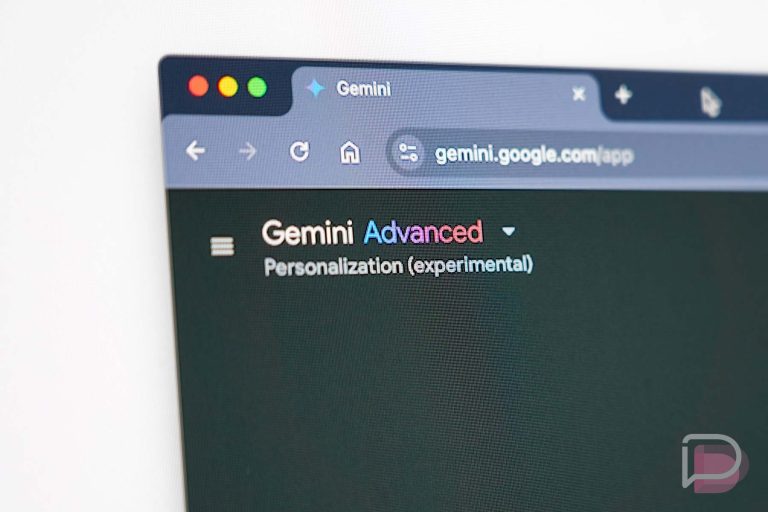
    Google announced this week that it is now beginning the process of rolling Gemini out to Workspace Gmail users on both the web and mobile. You’ll need a Gemini Business or Education add-on, or Google One AI premium subscription to utilize it.

    Once enabled, the Gemini 1.5 Pro model becomes integrated into Gmail, in addition to other Google apps for better functionality. Gemini will provide “proactive prompts” to help you get started, but users can also ask freeform questions about things related to their email inbox. For a summary of capabilities, look below.

    What Can Gemini Do in Gmail?

    • Summarize an email thread
    • Suggest responses to an email thread
    • Get help drafting an email
    • Ask questions and find specific information from emails within your inbox or from your Google Drive files

    As for that last bullet, it can make Gemini a strong tool for heavy emailers. Google provides a situation to get a better understanding of how it works.

    Thanks to its connection to apps like Google Docs, Sheets, Slides and Drive, “let’s say you’re planning a company offsite and get an email from a team member asking for the hotel information so they can book a room. Now you can ask Gemini to look it up from a Google Doc that contains all the offsite details, using a simple ‘what is the hotel name and sales manager email listed in @Company Offsite 2024.’ Then you can easily insert this into your reply to get your team member the help they need.”

    The service starts at $20/month, so for anyone who does sign up and use it, make sure to use that AI to its full potential.

    // Google

  • Superliminal Hits Android on July 30

    Superliminal Hits Android on July 30

    Announced this morning, Superliminal is coming to mobile. Starting July 30, you’ll find the once Epic Games Store exclusive for both Android and iOS, priced at a completely reasonable $5.99 for a limited time.

    A first-person puzzle game, Superliminal is focused on forced perspective. Throughout the game, you’ll be met with many challenging puzzles, with the player tasked with essentially thinking outside of the box to solve them. Apparently the title has gained a lot of popularity, especially with speedrun fans.

    The title is now up for pre-registration on Google Play and pre-order on iOS. We’ll update you as soon as the game is officially available.

    Google Play Link